Animation
Transitions
Add entrance, exit, and cross-dissolve transitions between clips.
Clip transitions
Applied to the beginning (in) or end (out) of a single clip.
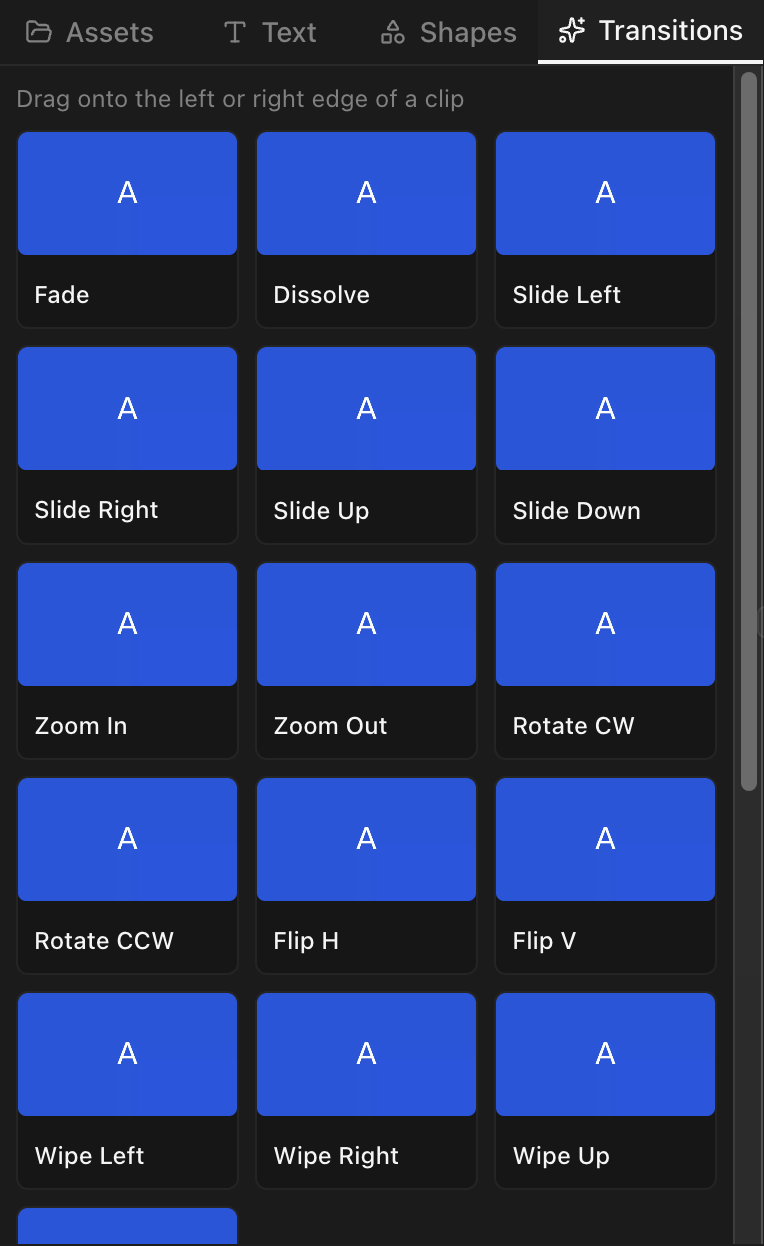
Available types
| Category | Types |
|---|---|
| Fade | Fade |
| Dissolve | Dissolve |
| Wipe | Wipe Left, Wipe Right, Wipe Up, Wipe Down |
| Slide | Slide Left, Slide Right, Slide Up, Slide Down |
| Zoom | Zoom In, Zoom Out |
| Rotate | Rotate Clockwise, Rotate Counter-Clockwise |
| Flip | Flip Horizontal, Flip Vertical |
Applying a clip transition
Drag a transition from the panel onto the start or end of a clip.
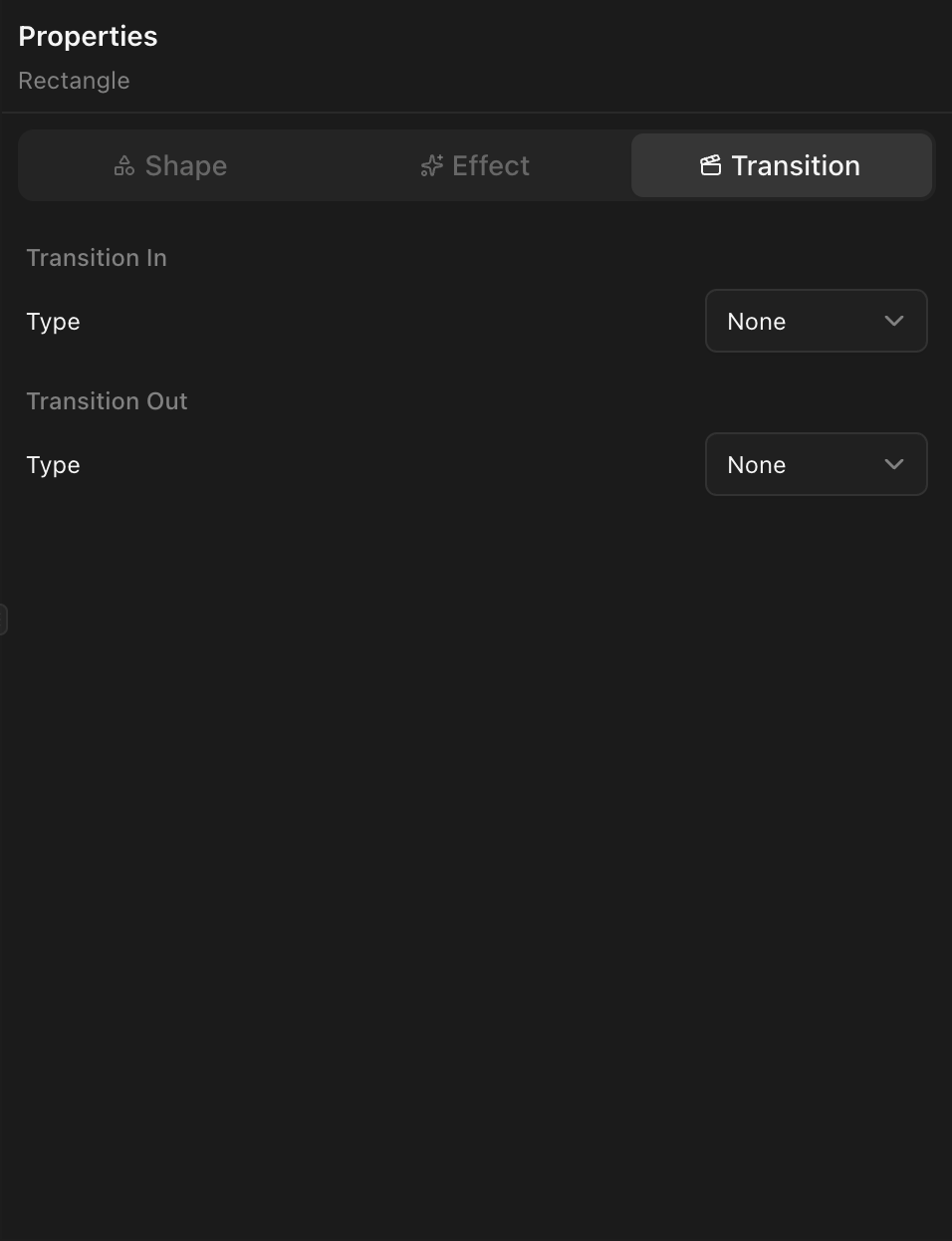
Transition settings
- Duration — 0.1 to 3 seconds.
- Easing — Linear, Ease In, Ease Out, or Ease In Out.
Cross transitions
Blend between two adjacent clips on the same track.
Available cross transition types
| Type |
|---|
| Dissolve |
| Fade |
| Wipe Left |
| Wipe Right |
| Wipe Up |
| Wipe Down |
Creating a cross transition
The outgoing and incoming clips must be adjacent (or overlapping) on the same track. Select the overlap region or use the transition panel to apply.
Cross transition settings
- Duration — Overlap length.
- Easing — Blend curve acceleration.