Getting Started
Load your first project and make your first cut in Tooscut.
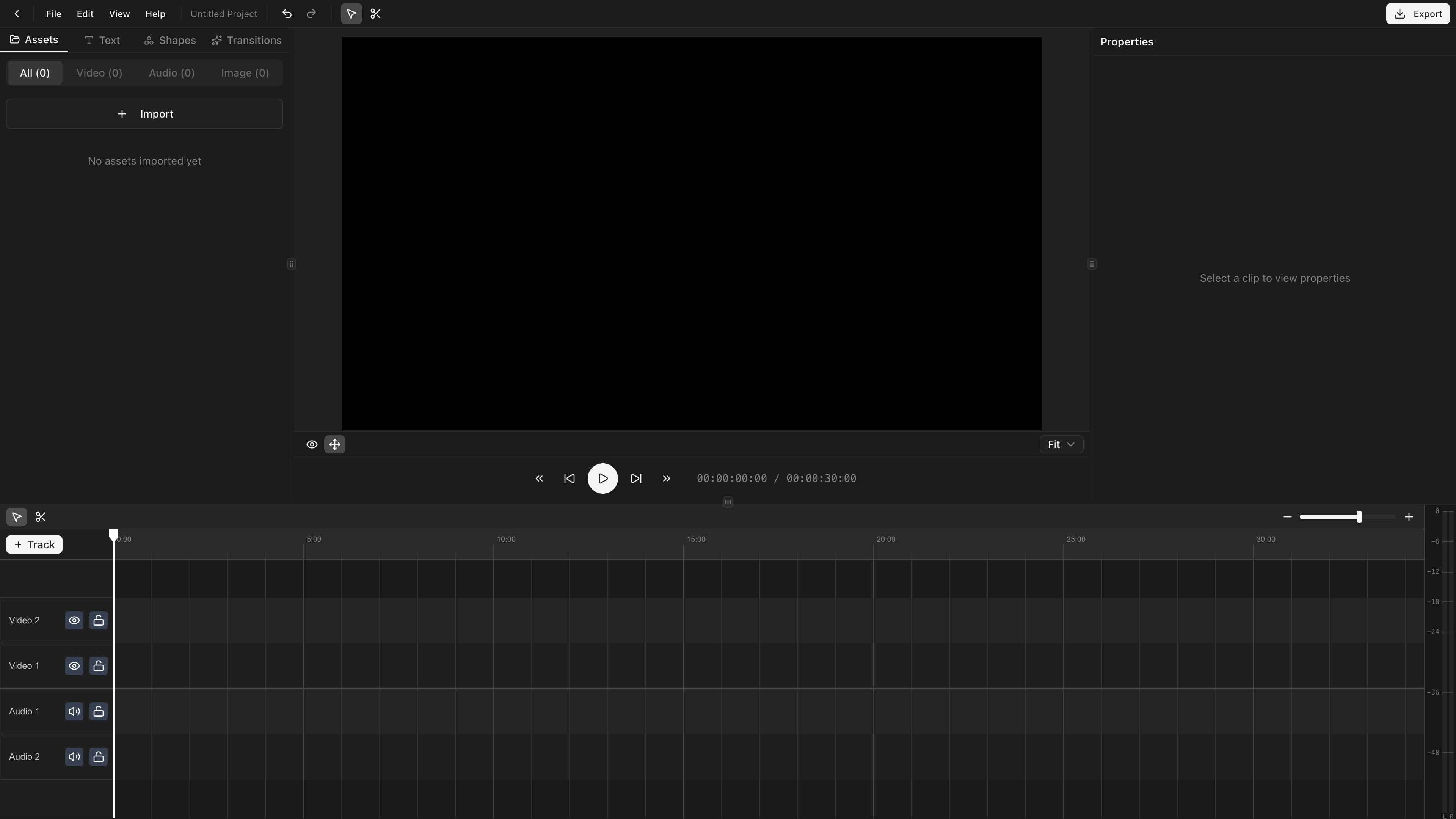
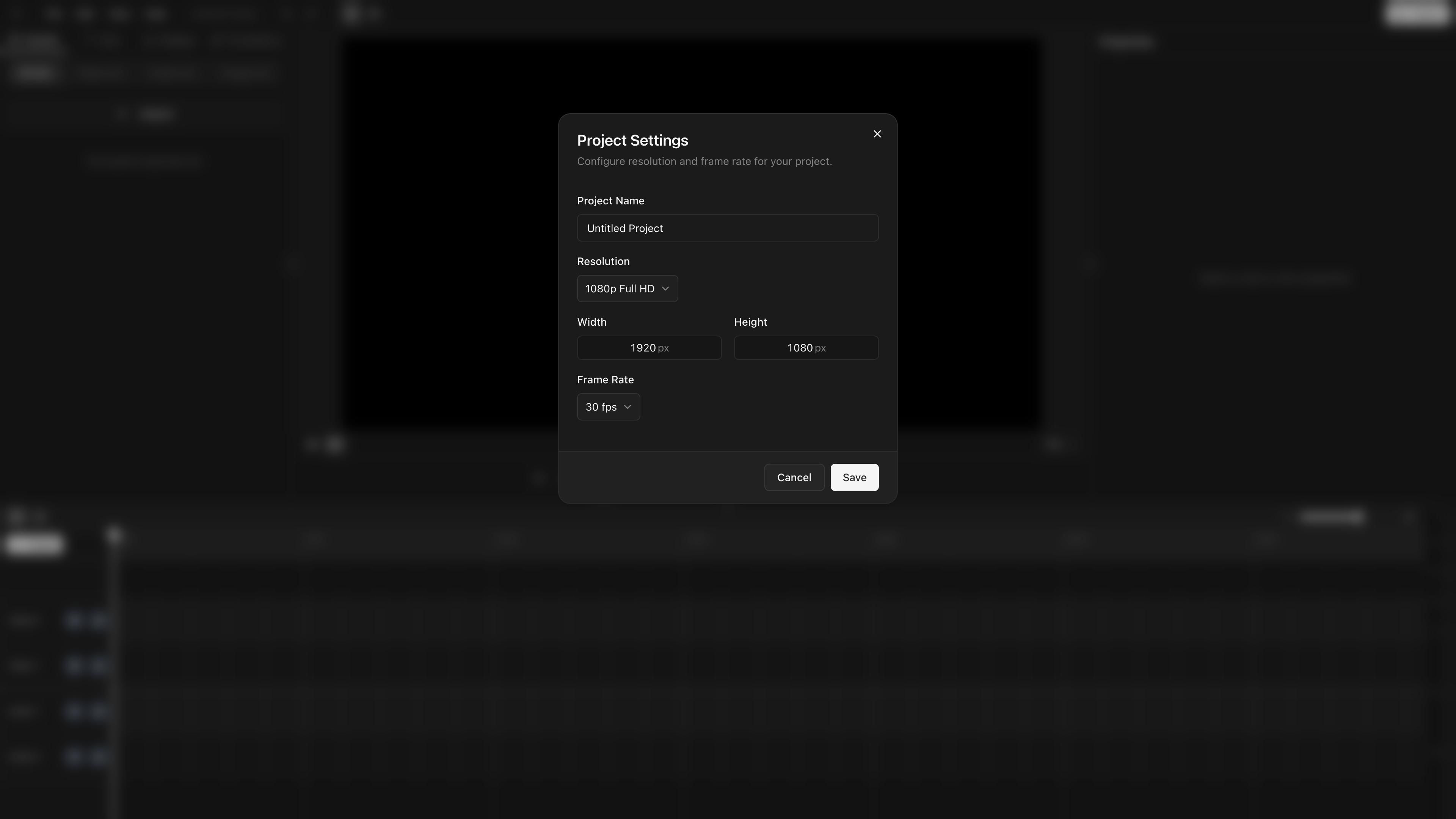
Create a project
Click New project. Pick a name, resolution, and frame rate (changeable later in Project Settings).
Import media
⌘I opens the file picker. Select video, audio, or image files. Files stay on your machine (File System Access API, no upload).
Add clips to the timeline
Drag an asset from the asset panel onto the timeline. Video files create a linked pair (video + audio clip) that move and split together.
Make your first cut
- Position the playhead at the cut point.
- Select the clip.
- Press S to split.
- Select the unwanted half, press Delete.
Preview
Space to play. Arrow keys to step frame-by-frame.
Export
⌘E to open the export dialog. Pick a quality preset and click Export. Uses WebCodecs with WASM fallback. See Exporting for details.