Basics
Exporting Your Project
Export your finished edit as an MP4 file with Tooscut.
⌘E or File > Export opens the export dialog. GPU-rendered frames are encoded with WebCodecs (WASM fallback).
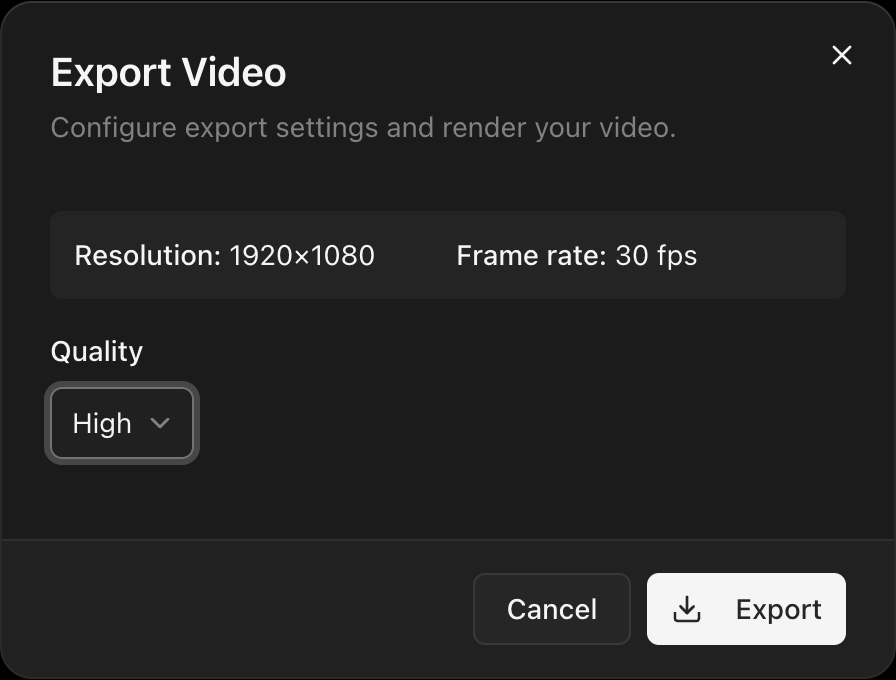
Quality presets
| Preset | Bitrate |
|---|---|
| High | 20 Mbps |
| Medium | 10 Mbps |
| Low | 5 Mbps |
Resolution and frame rate come from project settings.
Exporting a range
If you've set in/out points, the dialog shows an Export in/out range only checkbox. Leave it unchecked to export the full timeline.
Export stages
- Preparing — Building the render pipeline.
- Rendering — GPU compositing each frame.
- Encoding — Encoding the audio track.
- Finalizing — Muxing audio and video into MP4.
- Complete — Shows total duration and render time.
The file streams directly to disk via the File System Access API.
Cancelling
Cancel aborts at any time. The partial file may remain on disk.