Media
Adding Text
Create and style text overlays in Tooscut.
Create a text clip
Drag a text template from the text panel onto a video track. Default duration: 5 seconds.
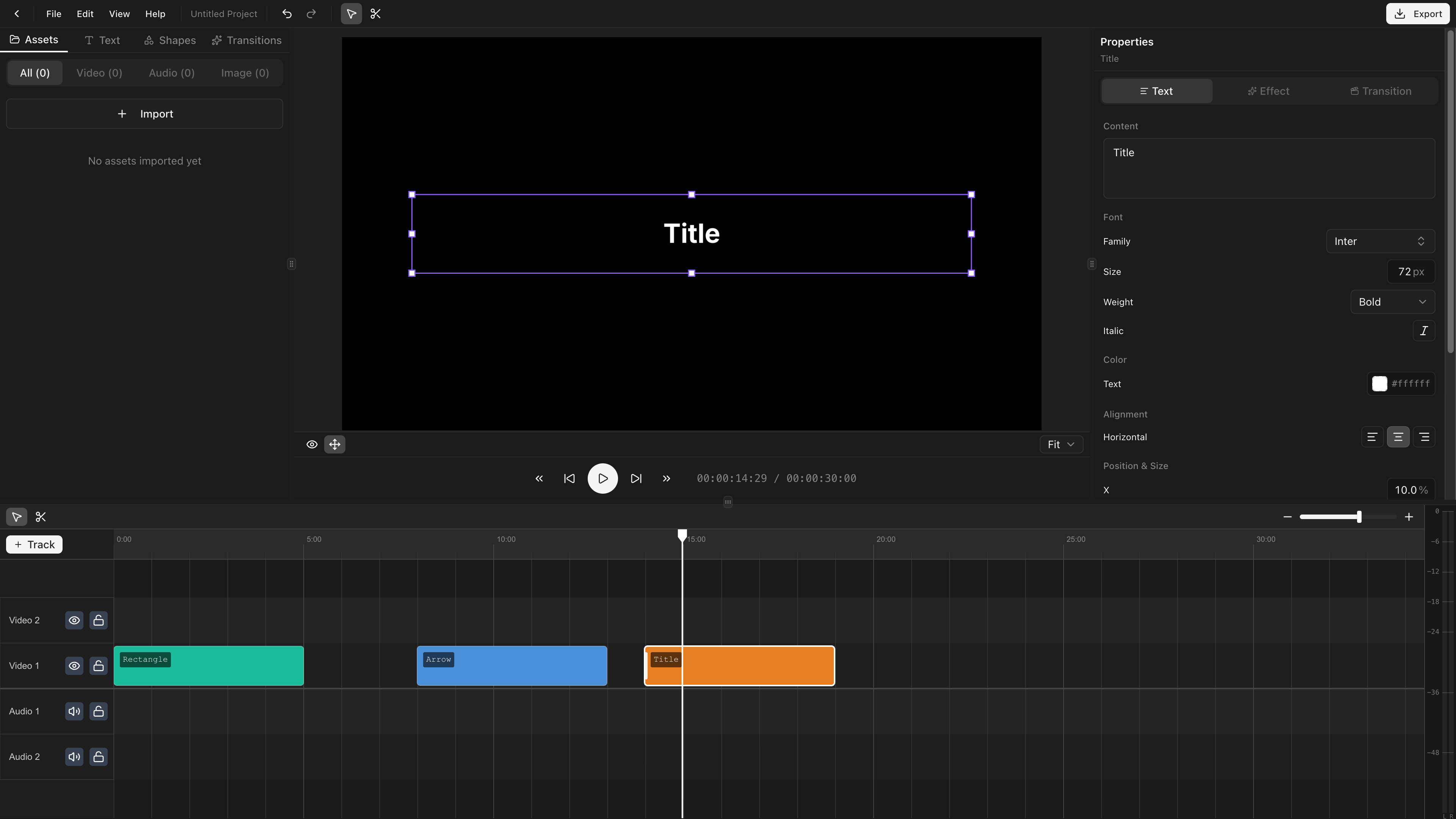
Edit text content
Select the clip and edit the text content in the properties panel.
Font selection
The font picker uses Google Fonts. Search by name, pick a weight (Regular, Medium, Bold, etc.), and toggle italic if available.
Text styling
| Property | Description |
|---|---|
| Font size | Size in pixels |
| Color | Text fill color (RGBA) |
| Opacity | Overall text opacity |
| Alignment | Left, center, or right |
| Line height | Spacing between lines |
| Letter spacing | Spacing between characters |
Text background
- Background color — Fill color behind the text.
- Background padding — Spacing between text and background edge.
- Background border radius — Round the background corners.
Position and size
Set position (x, y) and dimensions (width, height) via the transform controls or by dragging on the preview canvas. All transform properties support keyframes.