Media
Adding Shapes
Add rectangles, ellipses, and polygons to your composition in Tooscut.
Available shapes
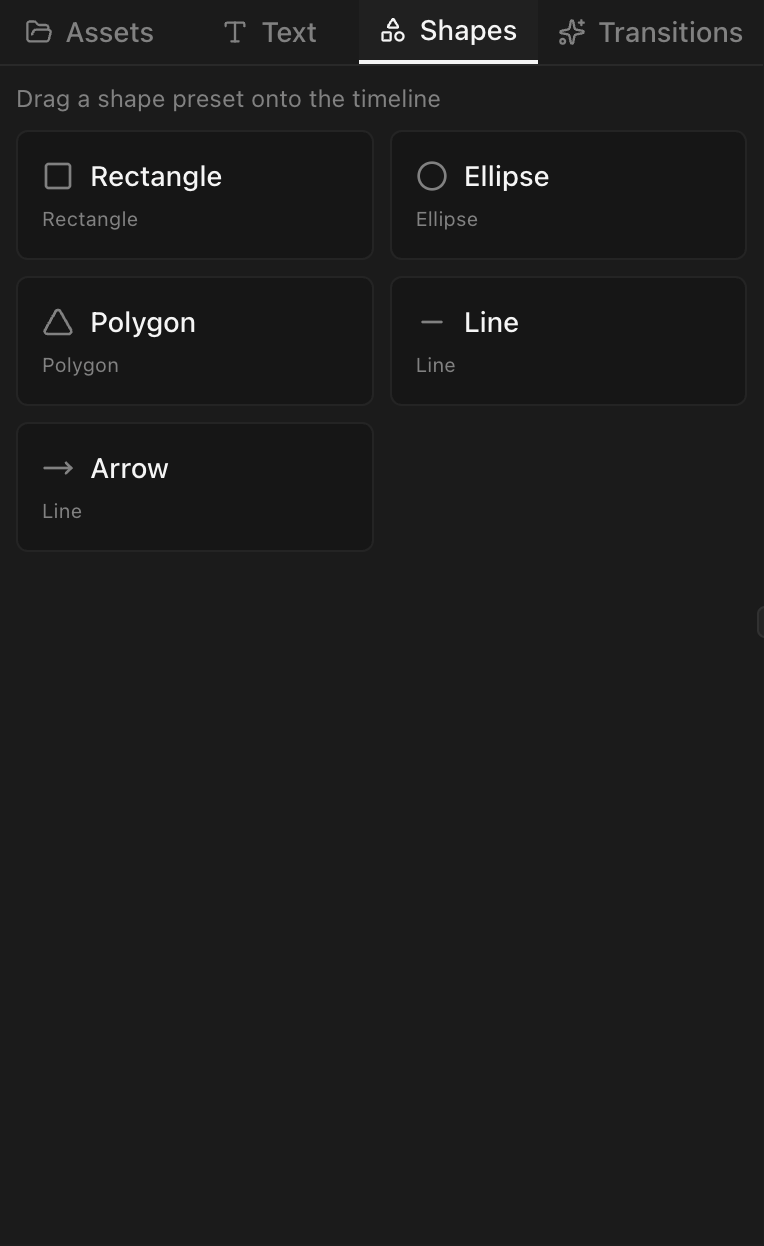
| Shape | Description |
|---|---|
| Rectangle | A box with optional rounded corners |
| Ellipse | A circle or oval |
| Polygon | A regular polygon — defaults to 6 sides, configurable |
Create a shape clip
Drag a shape from the panel onto a video track. Default duration: 5 seconds.
Shape properties
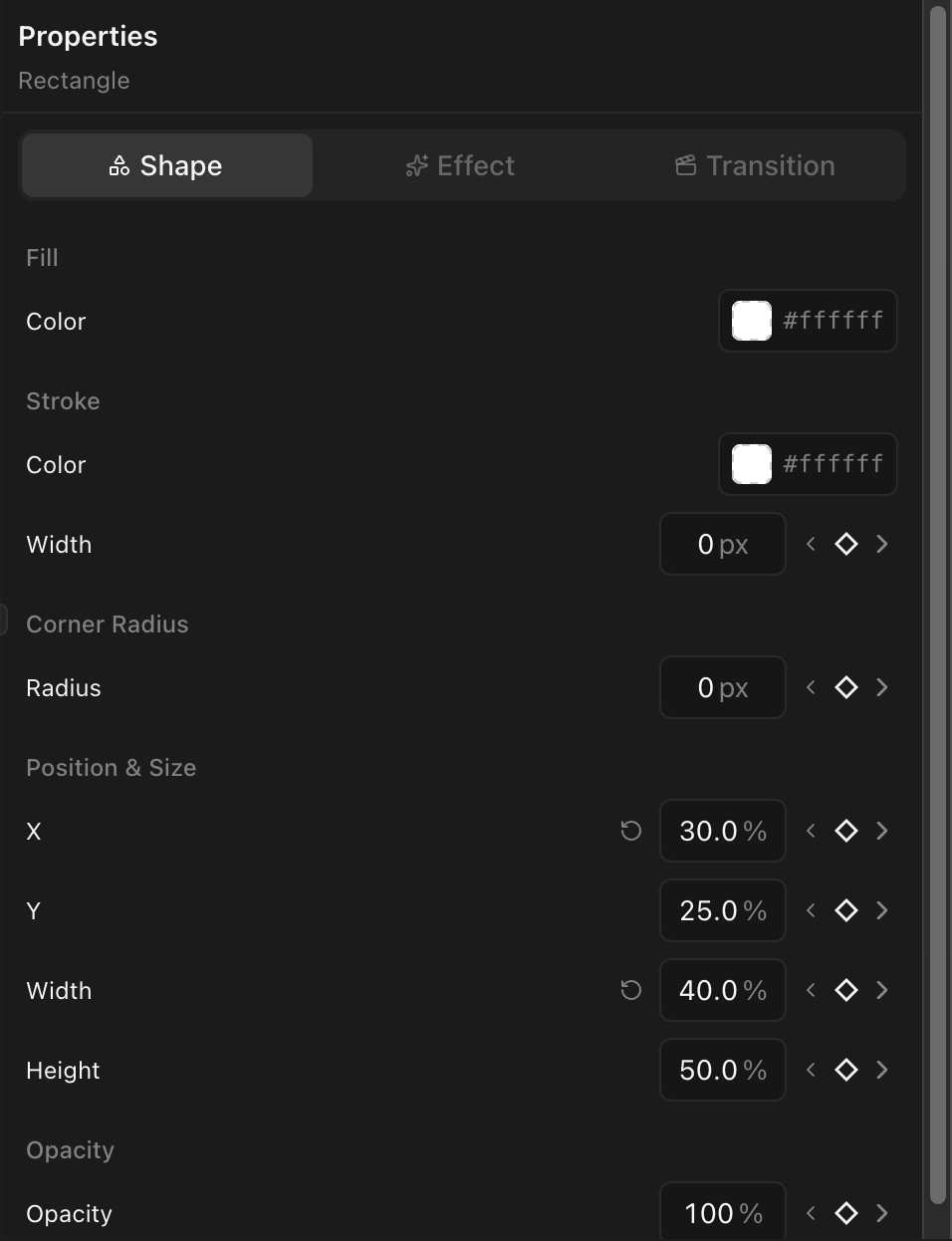
Select a shape clip to configure:
| Property | Description |
|---|---|
| Fill color | The shape's fill (RGBA color picker) |
| Stroke color | Optional outline color |
| Stroke width | Outline thickness in pixels |
| Corner radius | Round the corners (rectangles only) |
| Sides | Number of sides (polygons only, e.g., 3 for a triangle) |
Position and size
Set position (x, y) and dimensions (width, height) in the transform section or drag on the preview canvas.
Animation
All shape properties — fill color, stroke width, corner radius, position — support keyframes.