Media
Adding Lines and Arrows
Draw lines and arrows on the canvas in Tooscut.
Line vs. arrow
Two templates in the shape panel:
- Line — Plain line segment.
- Arrow — Line with an arrowhead at one end.
Drag either onto a video track to create a clip.
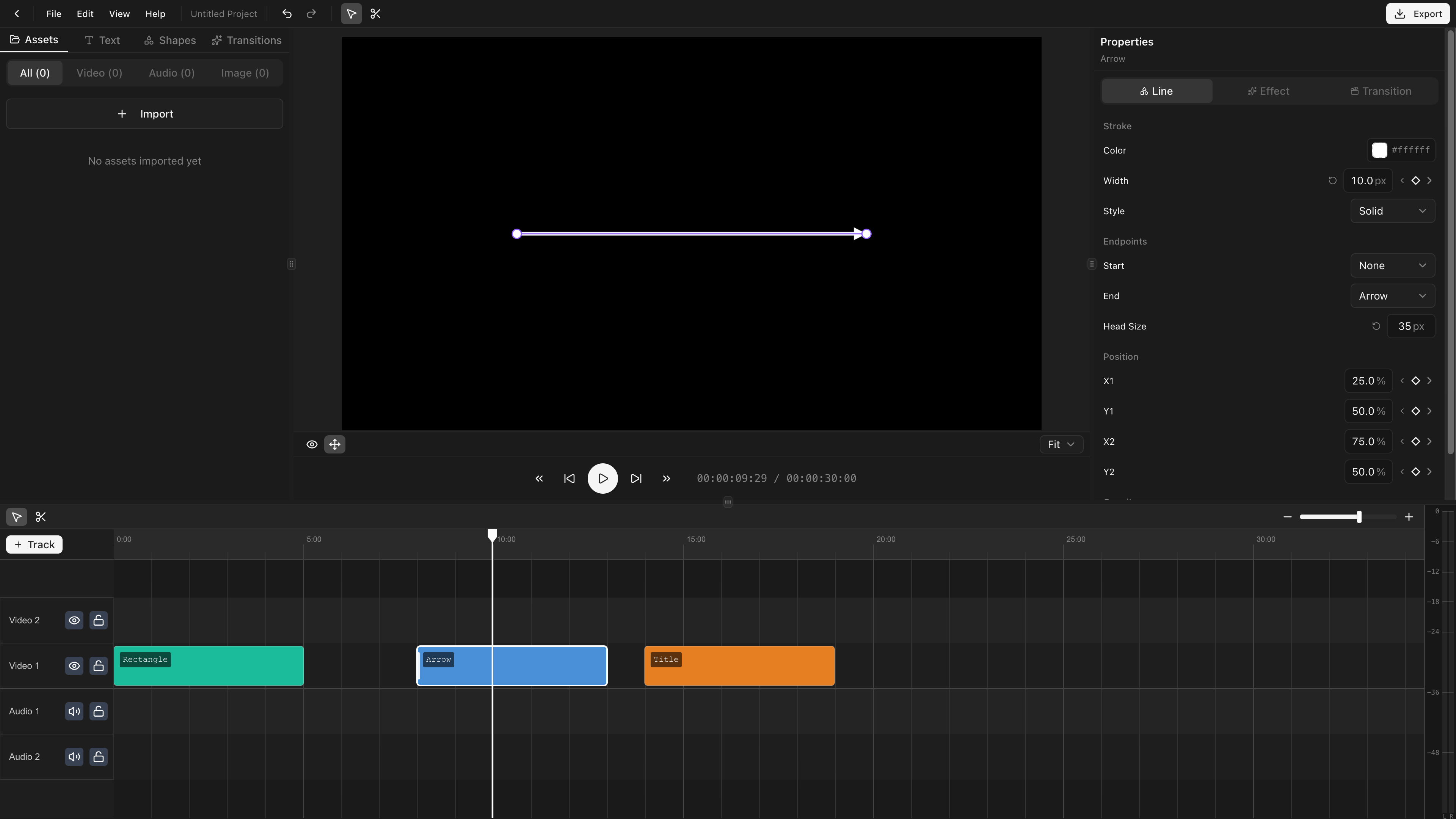
Line properties
| Property | Description |
|---|---|
| Color | Line stroke color (RGBA) |
| Stroke width | Thickness in pixels |
| Stroke style | Solid, Dashed, or Dotted |
Endpoint types
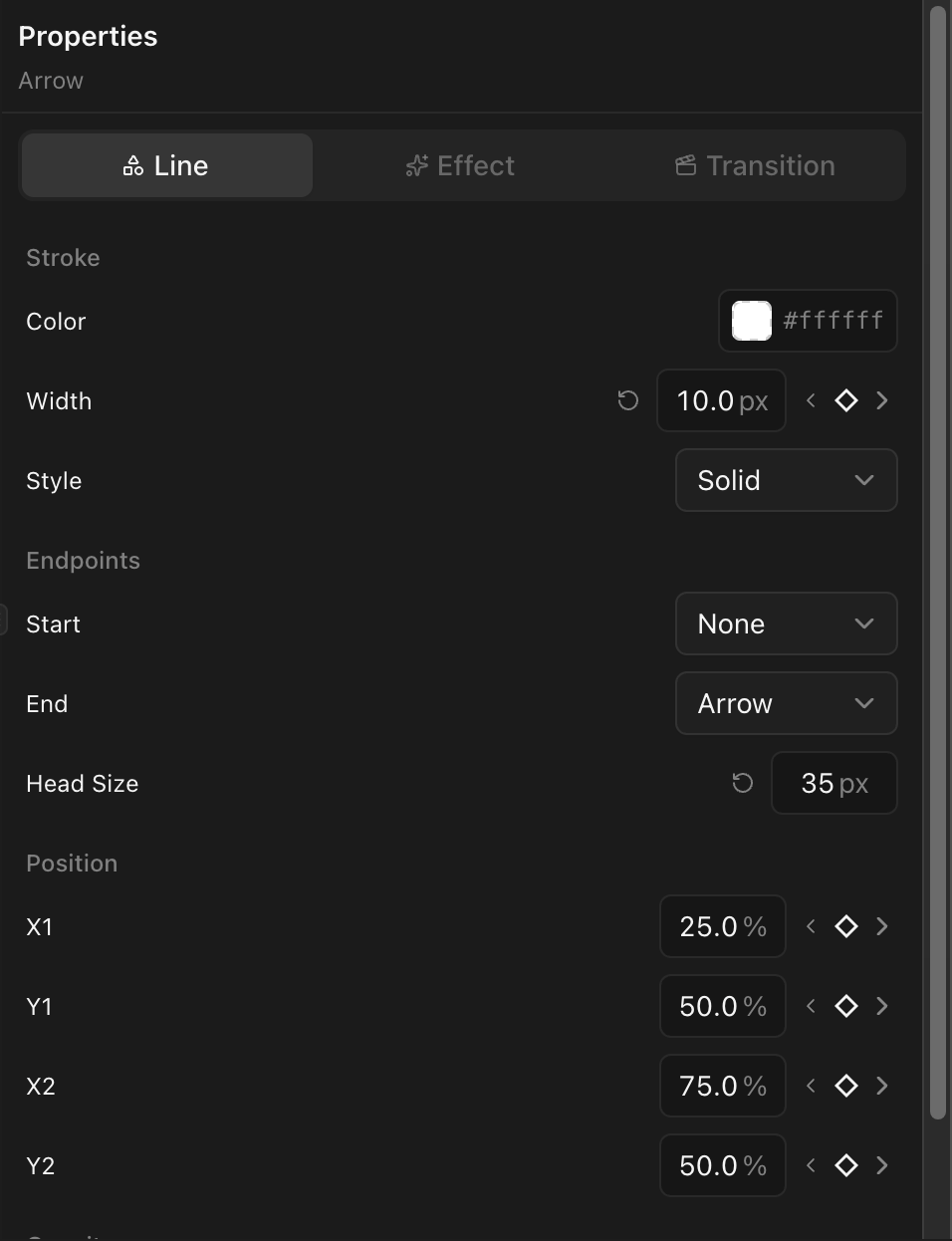
Each end has an independent style:
| Endpoint | Description |
|---|---|
| None | No decoration |
| Arrow | An arrowhead |
| Circle | A filled circle |
| Square | A filled square |
| Diamond | A filled diamond |
Position
Lines are positioned by bounding box (x, y, width, height), drawn corner-to-corner. Reposition by dragging on the canvas or editing values in the properties panel.
Animation
Position, stroke width, and endpoints all support keyframes.